iPad Accessories for Events: Stands, Cases, Keyboards and Charging
· Accessories, iPad
An iPad on its own is a great device. But at an event, a booth or a busy front desk, the accessories decide how well it works. The right stand makes check-in quick. The right case keeps an iPad safe when it's passed around. A good charging plan keeps everything running until the doors close.
Here's a guide to the iPad accessories that matter most for events and work.
Floor stands
Floor stands hold an iPad at standing height. They're ideal for:
- Event check-in and registration
- Self-service kiosks
- Wayfinding and information stations
- Surveys and feedback
Look for stands that lock the iPad in place, hide the charging cable and swivel or tilt. A sturdy base keeps the stand stable in busy areas.
Table and countertop stands
Table stands are best for seated use, staff-assisted check-in and countertop retail. Swivel stands are useful when staff need to turn the iPad toward a customer to sign or confirm a purchase. Point-of-sale stands often have room for a card reader.
Kiosk enclosures
Kiosk enclosures cover the iPad's edges and buttons, which helps prevent tampering and accidental button presses. They're a good fit for unattended stations and public spaces. Pair them with Guided Access, a built-in iPadOS feature that keeps the iPad locked in one app.
Protective cases
For iPads that move around, a protective case is essential. Options include:
- Rugged cases: Thicker, shock-absorbing cases for field work, warehouses and busy events.
- Folio cases: Covers that protect the screen and fold into a stand.
- Cases with handles or straps: Easier to hold while walking, useful for lead capture and roaming staff.
Keyboards
If people will type a lot, such as notes, emails or long forms, a keyboard makes a big difference. Keyboard cases turn an iPad into a compact laptop. Separate Bluetooth keyboards work well at desks. Check compatibility with your iPad model before you choose.
Stylus
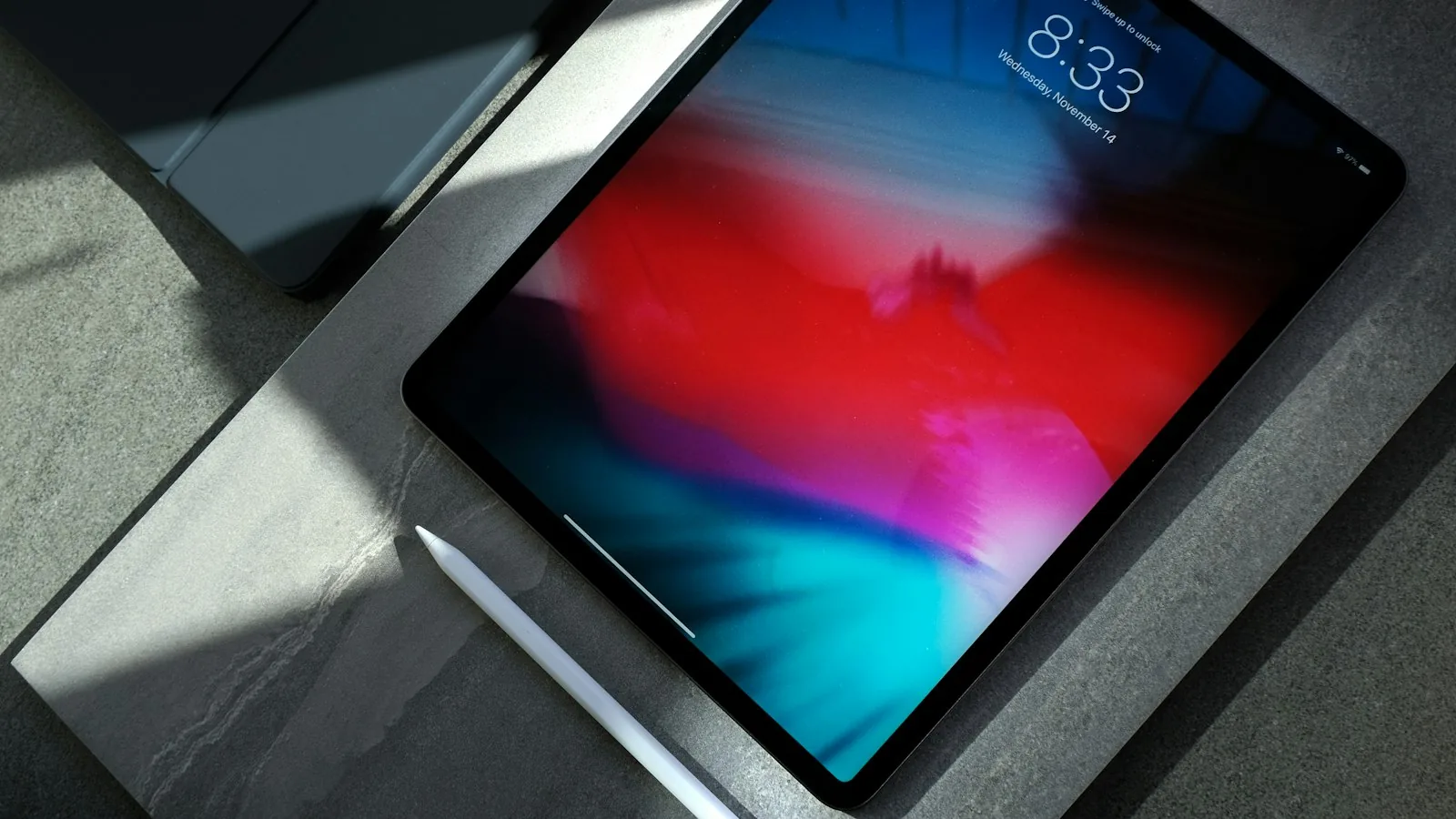
A compatible stylus such as Apple Pencil is useful for signatures, sketching, annotations and note-taking. Check which Apple Pencil models work with your iPad, since compatibility varies.
Charging gear
A charging plan is one of the most overlooked parts of an iPad setup. Consider:
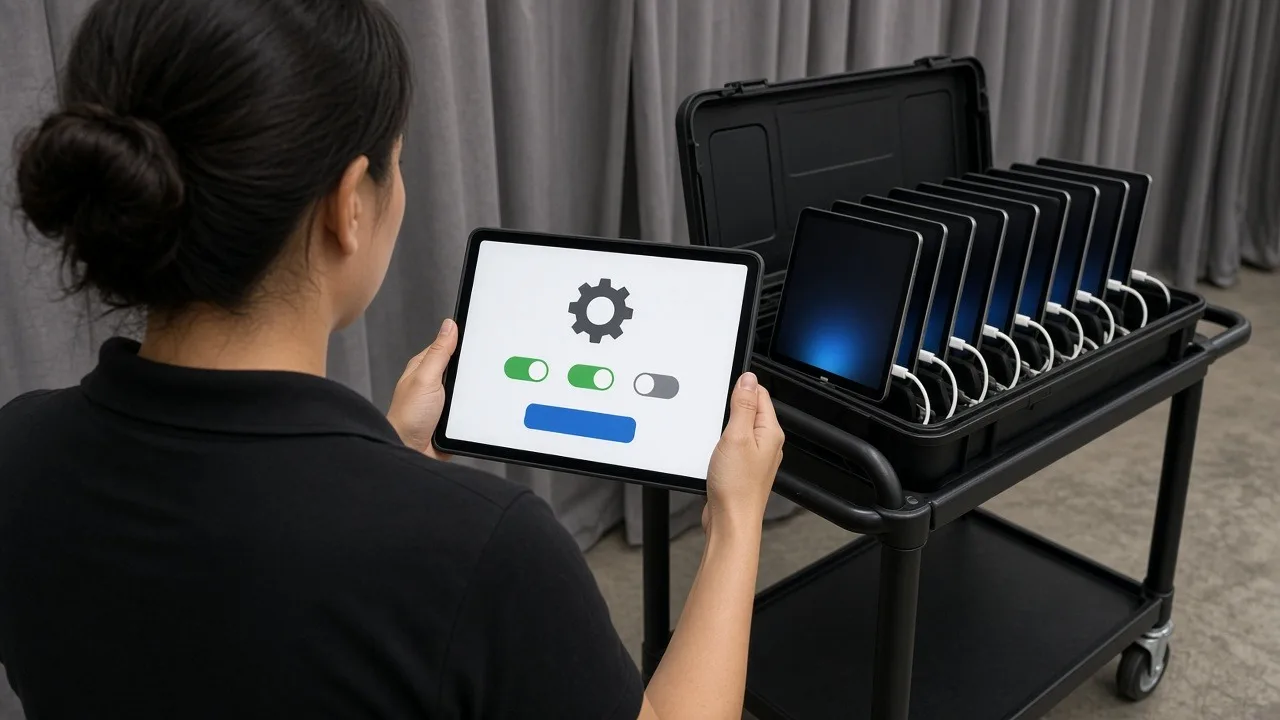
- Charging stations or carts: Charge many iPads at once and keep them organized overnight.
- Multi-port chargers: Charge several iPads from one outlet.
- Long cables: Reach outlets from stands and tables.
- Portable battery packs: Keep roaming iPads running during long events.
Label each iPad and its charger with a matching number.
Connectivity accessories
Depending on your iPad, you may need adapters to connect to:
- Displays or projectors
- Wired networks
- Card readers, scanners or cameras
- USB drives
Check your iPad's port type and plan adapters in advance.
Security accessories
At busy events, security tethers and locking stands help keep iPads where they belong. Enclosures with locks deter tampering.
Match the accessory to the job
- Check-in: Floor stand or kiosk enclosure, charging, Guided Access.
- Lead capture: Rugged case with a strap, portable battery.
- Point of sale: Swivel countertop stand, card reader.
- Training or note-taking: Keyboard case, stylus.
- Presentations: Display adapter, stand.
See all iPad accessories and the iPad page for more.
Think about cleaning and hygiene
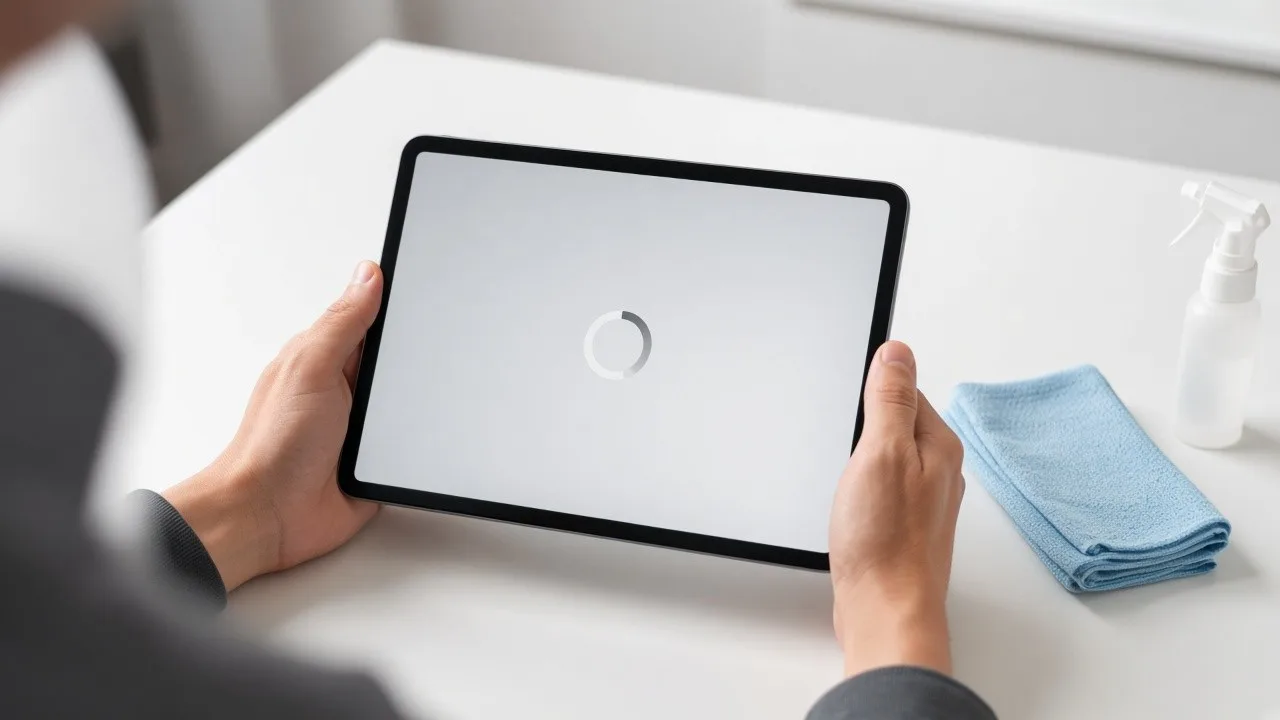
At events, many people touch the same iPads. Keep a supply of screen-safe wipes or microfiber cloths at each station, and assign someone to wipe down screens and stands regularly. Cases and enclosures with smooth surfaces are easier to clean than fabric covers.
Plan cable management
Loose cables are a tripping hazard and make a station look messy. Choose stands that route charging cables inside, use cable covers on the floor, and bundle extra cable length with ties. Neat cable management also makes setup and teardown faster.
Test the full setup before the event
Assemble at least one complete station, including the iPad, case, stand, charger and any card reader or keyboard, before the event. Check that everything fits, charges properly and is comfortable to use. It's much easier to swap an accessory before the event than on the show floor.
Rent iPads and accessories together
If you need iPads for an event, RentOuriPads.com rents iPads along with stands, enclosures, cases and charging gear, so everything arrives together. Rentals ship nationwide with prepaid return labels, and on-site setup is available as an extra-cost add-on. Request a quote to get started.